Task Management
This page describes common operations for integration tasks, including the task creation flow, start and stop behavior, task states, and run history. For source-specific configuration, see the detailed task guides.
General Task Creation Flow
- Navigate to Data > Data Integration and click Create Task.
- Select an existing data source.
- Fill in source-side parameters based on the task type, such as file path, source table, sync mode, topic, or filter conditions.
- Preview the source data and verify the schema, field types, or message content.
- Depending on the task type, select the target warehouse and target database / table, or configure how to view results.
- Create the task and start it when needed.
Starting and Stopping Tasks
After a task is created, its initial state is Stopped. To begin synchronization, ingestion, or consumption, click Start on the task.
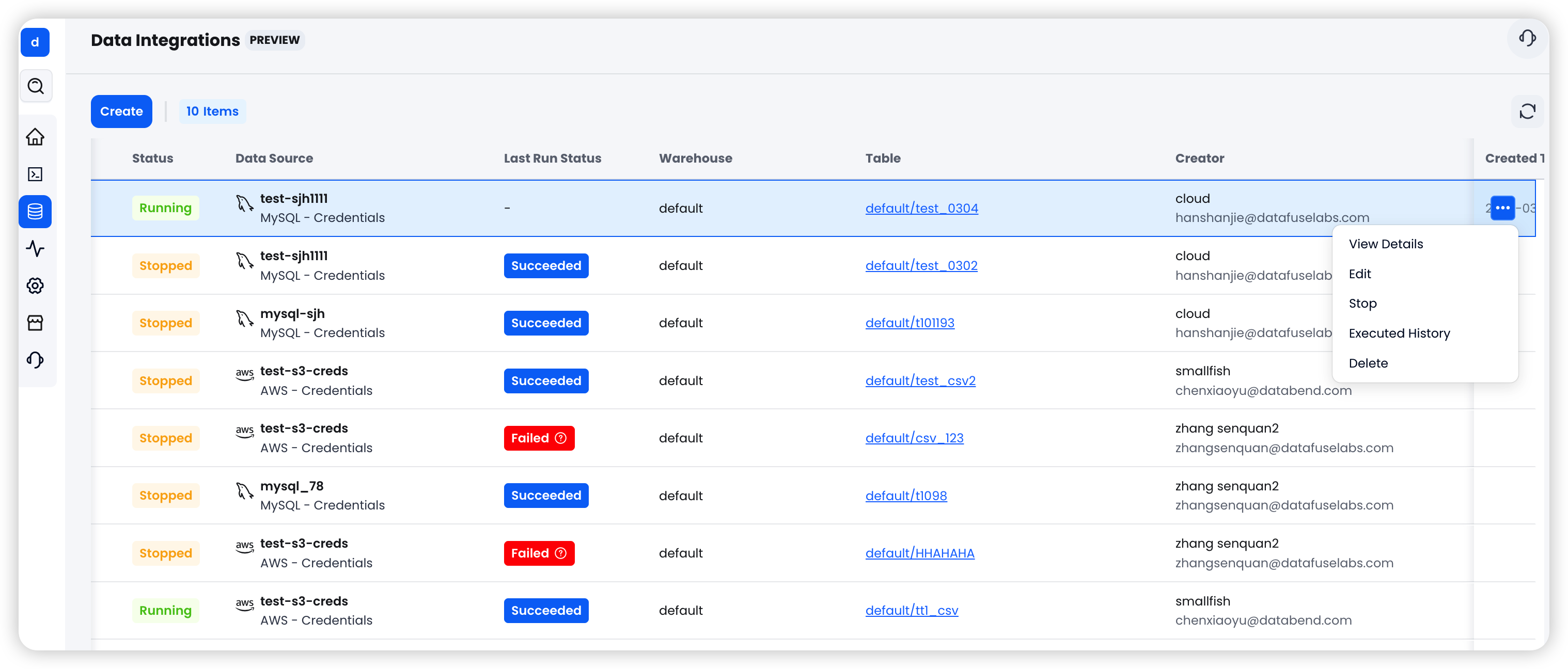
To stop a running task, click Stop. The task will shut down gracefully and save its current progress.
Task Status
The Data Integration page shows all tasks and their current status:
| Status | Description |
|---|---|
| Running | The task is actively synchronizing, importing, or consuming data |
| Stopped | The task is currently not running |
| Failed | The task encountered an error during execution |
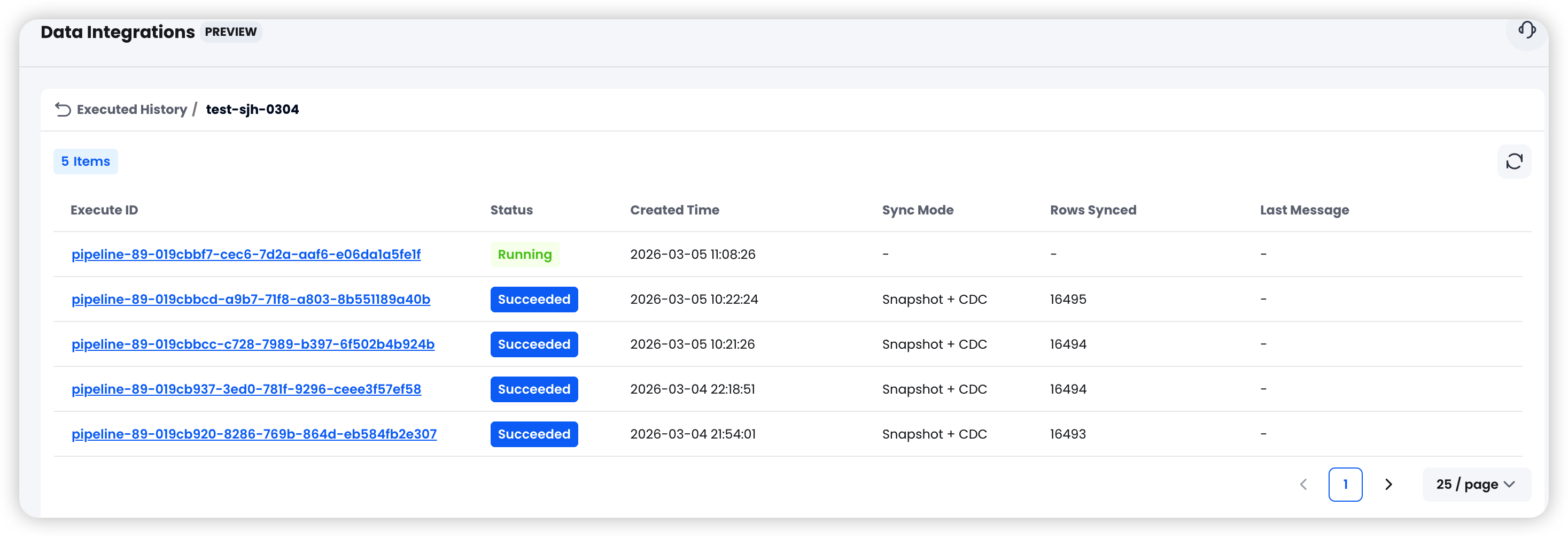
Viewing Run History
Click a task to view its execution history. The run history includes:
- Execution start and end times
- Number of rows imported or synchronized, or message objects written
- Error details, if any
Runtime Behavior by Task Type
- S3 tasks can run once or continuously poll for new files.
- MySQL
Snapshottasks usually stop automatically after the full load completes. - MySQL
CDC OnlyandSnapshot + CDCtasks continue running until manually stopped. - PostgreSQL
Snapshottasks usually stop automatically after the full load completes. - PostgreSQL
CDC OnlyandSnapshot + CDCtasks continue running until manually stopped. - SQS (S3) tasks continuously poll the SQS queue, consume S3 object creation events, and write data into the target table until manually stopped.
- Kafka Consumer tasks continuously consume Kafka topics and save message content to internal object storage until manually stopped.
For field-level configuration and detailed behavior, continue with the relevant task guide: